
Personal Area Network Security protects your most personal information — your messages, photos, and health data — from unwanted access.

Let’s explore how you can keep your PAN safe and secure in the digital world.
What Is Personal Area Network Security?
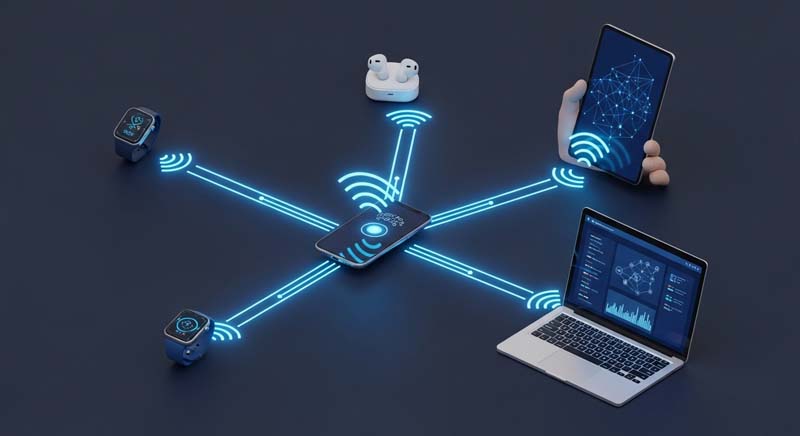
A Personal Area Network (PAN) is a short-range communication network connecting devices like your smartphone, smartwatch, tablet, and earbuds.
Personal Area Network Security focuses on preventing unauthorized connections and protecting your private data through encryption, authentication, and safe pairing methods.
Example:
When you pair your smartwatch with your phone using Bluetooth and require both devices to be unlocked, that’s good PAN security in action.
Why Personal Area Network Security Matters
Your PAN carries a surprising amount of sensitive information — even more personal than your Wi-Fi network sometimes. Here’s why it’s essential:
1. Protect Your Private Data
Every PAN transfers personal files, contacts, chats, and health statistics.
Strong PAN security ensures this private data remains inaccessible to hackers or strangers.
2. Short Range Doesn’t Mean Safe
Although Bluetooth and other PAN connections work over short distances, they can still be exploited.
Nearby attackers can use malicious tools to eavesdrop or inject malware if your connection is not secure.
3. Small Mistakes, Big Risks
Simple habits — such as leaving Bluetooth on or using weak passcodes — can expose your devices.
Practicing good personal area network security means being cautious about these small but critical details.
4. Stay Safe, Stay Connected
PAN security helps you enjoy a seamless experience without worrying about hidden threats.
By managing permissions and updating firmware regularly, you reduce the risk of unauthorized pairing or data theft.
How to Improve Personal Area Network Security
Follow these simple yet effective steps to strengthen your PAN security:
- Turn off Bluetooth when not in use.
It prevents unwanted pairing requests and reduces exposure. - Use strong passwords and authentication.
Always lock devices and avoid predictable passcodes. - Update your device firmware.
Software updates fix known vulnerabilities in Bluetooth and Wi-Fi modules. - Avoid pairing in public spaces.
Airports, cafés, and public transport are common attack spots. - Enable encryption and use secure connections.
Encrypted data ensures that even intercepted signals remain unreadable.
The Bottom Line
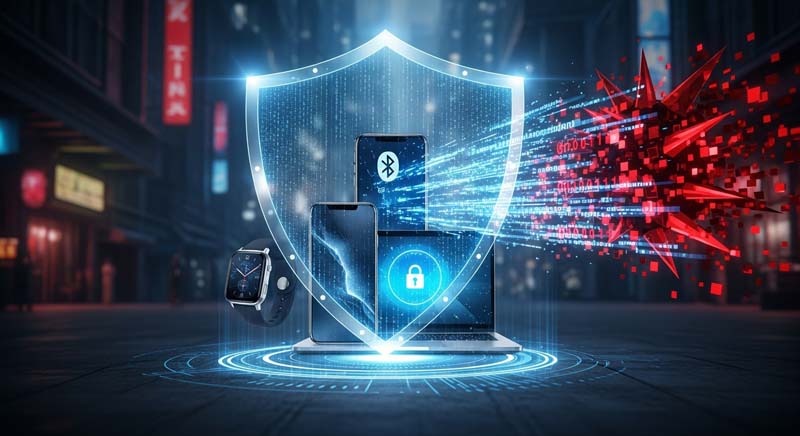
Your Personal Area Network Security is your first line of defense against data theft and unauthorized access.
Treat your PAN like your personal diary — private, valuable, and meant for you alone.
By following basic security habits, you can keep your devices connected, protected, and truly personal.